Expand
The expand command explodes a VCF file into a tab-separated file. It is not caller-dependent and will work with any VCF file.

Expanding Columns : The INFO column and sample-specific FORMAT tags from the input VCF file are separated into distinct columns in the output file.
Usage
$ jacquard expand <input_file> <output_file> [OPTIONS]
positional arguments:
| input_file | A VCF file
|
| output_file | A tab separated text file
|
optional arguments:
| -s, –selected_columns_file FILE | File containing an ordered list of
column names to be included
in the output file; column names can
include regular expressions
|
Description
Expand command converts a VCF file into a tab-delimited file. This format is more suitable than a VCF for analysis and visualization in R, Pandas, Excel, or another third-party application.

Tabular format of expand output: Expand transforms the dense VCF format into a tabular format.
Note
- The ‘fixed’ fields (i.e. CHROM, POS, ID, REF, ALT, QUAL, FILTER) are directly copied from the input VCF file.
- Based on the metaheaders, each field in the INFO column is expanded into a separate column named after its tag ID.
- Each FORMAT tag is expanded into a set of columns, one for each sample, named as <FORMAT tag ID>|<sample column name>.
- By default, all INFO fields and FORMAT tags are expanded; specific INFO fields and FORMAT tags can be selected using the –selected_columns_file option.
- Expand also emits a tab-delimited glossary file, based on the metaheaders in the input VCF file. FORMAT and INFO tag IDs are listed in the glossary and are defined by their metaheader description.
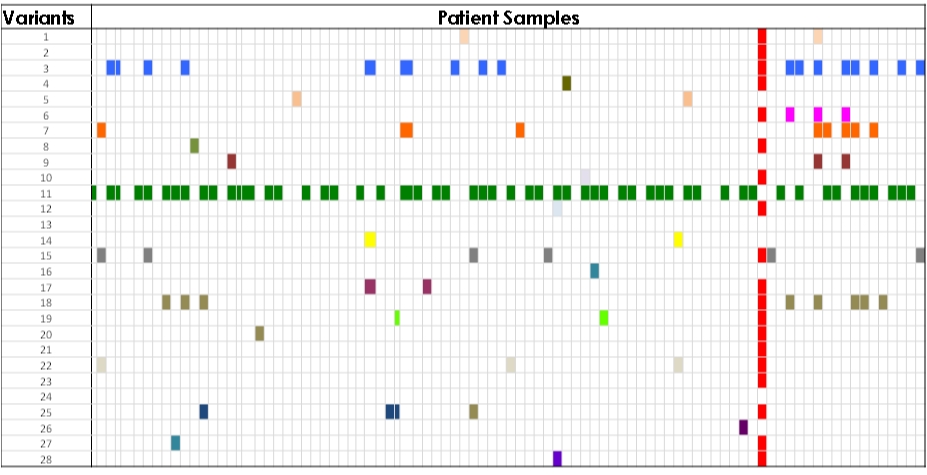
Pattern Identification : The expanded output file can be visualized in a third-party tool to identify patterns in the dataset.